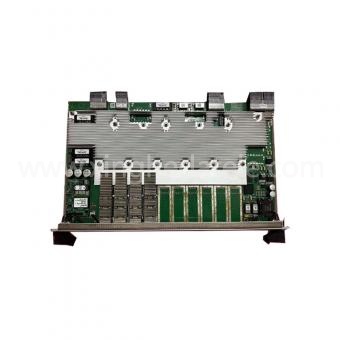
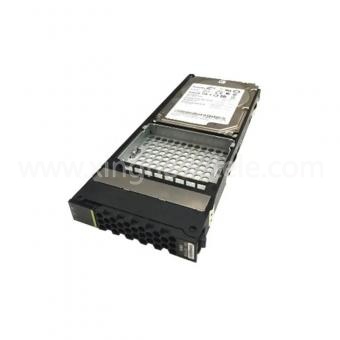
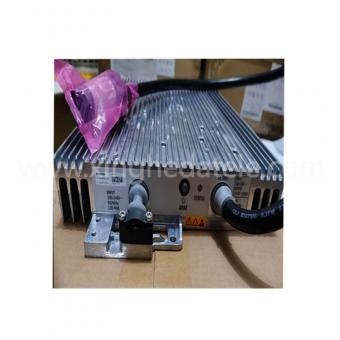
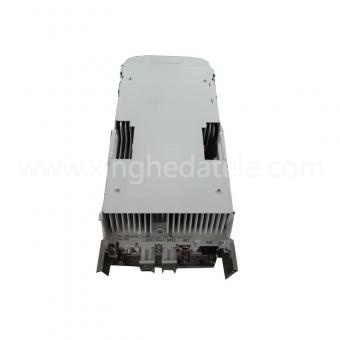
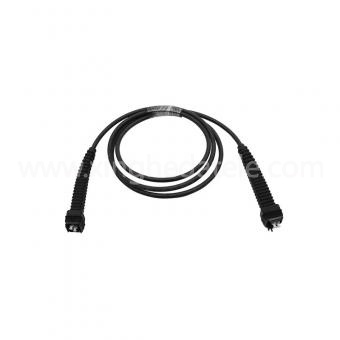
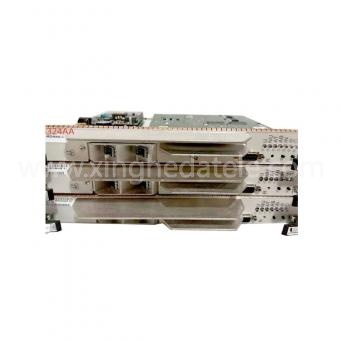
When operators upgrade or maintain Nokia Air‑Scale RAN infrastructure, baseband boards, paired remote radio units (RRUs) and fronthaul optical transceivers represent core capital investments. Unit purchase price is only one piece of the full‑lifecycle financial picture. Procurement and engineering teams need to factor in system compatibility, field deployment labor, power‑cooling consumption, spare‑part inventory, potential service outages and end‑of‑support migration costs to arrive at realistic total‑cost‑of‑ownership (TCO) assessments. This article outlines a structured workflow to evaluate base‑band‑centric hardware packages together with matching RRUs and optical modules before issuing purchase orders.
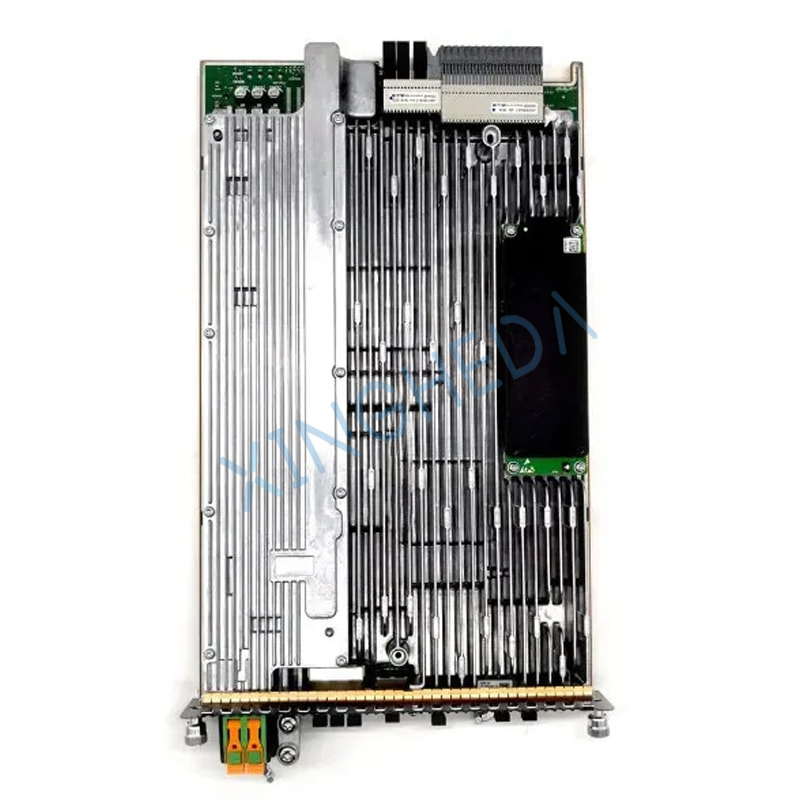
Build a consistent TCO baseline across baseband, RRU and optical hardware
Before comparing different hardware quotations, define a fixed evaluation window, typically three‑to‑five‑year operational horizon, and aggregate every expected expense category over this period. Focusing purely on upfront component price often conceals heavy hidden costs stemming from integration failures, delayed site commissioning, emergency site visits and insufficient spare stock.
Your baseline calculation should capture these line‑items:
-
Direct acquisition costs: hardware price for baseband boards, corresponding RRUs and required fronthaul optical modules, plus shipping, insurance, customs duties and applicable local taxes.
-
Deployment‑related expenses: incoming hardware inspection, configuration work, system integration testing and field‑installation man‑hours.
-
Recurring operating costs: site power draw and cooling load calculated against hardware datasheets and local electricity tariffs; this metric must account for combined power consumption of baseband shelves, RRUs and active optical transceivers rather than only base‑board power figures.
-
Maintenance and spare‑inventory costs: scheduled repair, component replacement and carrying costs for stocked spare baseband boards, RRUs and optical modules.
-
Business risk costs: financial losses and SLA penalties caused by service outages or delayed network roll‑out, calculated using internal operator service‑revenue data.
-
End‑of‑lifecycle expenditure: hardware removal, platform migration and equipment disposal costs at the conclusion of your evaluation timeframe.
A simplified formula can guide internal modelling:
Total Cost of Ownership = Acquisition & Logistics Costs + Deployment Costs + Operating Expense + Maintenance & Spare Inventory Cost + Downtime‑Related Risk Cost + End‑of‑Life Expense
Document every assumption within your calculation spreadsheet, flagging estimated values. Run sensitivity analysis to observe how total expenditure shifts if repair rates rise, supplier lead‑times extend or local energy tariffs increase. Always evaluate competing hardware proposals using identical timeframes, business assumptions and currency units.
Verify multi‑component compatibility: baseband board, RRU, optics and software stack
A seemingly low‑cost baseband board can generate massive extra project spend if it fails to interoperate with existing chassis, active software releases, deployed RRUs or validated optical transceiver models. Visually similar‑looking hardware or matching high‑level product descriptions do not guarantee cross‑component interchangeability. All validation must reference official platform documentation and your live network site records.
Complete this checklist prior to procurement:
-
Extract exact base‑board part number, hardware revision, and accessory requirements from approved technical documentation. Collect equivalent identifiers for target RRUs and fronthaul optical modules.
-
Record host chassis model, assigned slot position, backplane specifications and other co‑located modules within the BBU cabinet.
-
Confirm software/firmware compatibility, licensing entitlements and mandatory upgrade sequencing for the full hardware combination: baseband board plus associated RRU and optical hardware.
-
Validate interface standards (CPRI / eCPRI), sector capacity limits, supported frequency bands and feature support aligned to real‑world site traffic workloads.
-
Cross‑check power dissipation, cooling requirements and rack environmental conditions against physical site constraints.
-
Obtain formal technical sign‑off from your network engineering team for the complete hardware bill‑of‑materials before releasing purchase requisitions. Store compatibility validation records alongside purchasing documentation.
If any technical specification remains ambiguous, pause ordering activity and seek written confirmation from authorised technical sources. A pre‑purchase compatibility review is far more cost‑effective than post‑delivery returns, emergency on‑site re‑configuration or live‑network service interruptions.
Evaluate vendors on delivered risk‑adjusted value instead of unit price alone
Procurement teams require standardised evaluation criteria to assess hardware condition, traceability documentation, warranty coverage, delivery risks and post‑sales support capacity. Request identical sets of supporting information from every potential supplier. Otherwise, a low headline quotation can appear attractive simply because it excludes warranty obligations, testing documentation or guaranteed lead‑times.
Standard information to collect from suppliers:
-
Exact part numbers, hardware revisions, physical condition classification and full list of included accessories for base‑board, RRU and optical module sets.
-
Hardware traceability records, factory inspection reports and available test logs.
-
Clear warranty duration, scope of coverage, explicit exclusions, return procedures and definition of who bears return‑shipping freight.
-
Committed written lead‑times, shipping incoterms, anti‑static protective packaging specifications and formal processes for handling transit‑damaged equipment.
-
Supplier capacity to provide configuration‑specific technical clarifications and post‑delivery assistance.
-
Full payment terms, order‑cancellation clauses and any restocking or return administrative fees.
Create a supplier scorecard covering dimensions: compatibility evidence, hardware condition & traceability, warranty terms, delivery lead‑time, technical support capability and risk‑adjusted total delivered cost. Define category weighting factors before reviewing incoming quotations to ensure consistent decision‑making. Never treat generic statements as proof of suitability; supporting documentation must reference the exact hardware SKUs being quoted.
Follow structured end‑to‑end procurement and deployment workflow
Adopt repeatable multi‑stage procedures to eliminate rushed buying decisions, incorrect component orders and avoidable field‑rework. Assign clear responsible owners for each workflow phase and centralise supporting evidence within a dedicated project folder.
-
Define business requirements: Document network objectives, target site locations, required quantities of baseband boards, RRUs and optical hardware, deployment timelines, plus business impact metrics for delivery delays.
-
Lock‑down approved hardware configuration: Capture definitive part numbers, hardware revisions, supported software versions, chassis/slot constraints and interdependencies between baseband‑RRU‑optical components. Secure engineering technical approval.
-
Establish TCO and risk baseline: Select evaluation period and compute full‑lifecycle cost estimates across all cost categories described earlier.
-
Solicit aligned quotations: Provide each supplier with the identical complete hardware bill‑of‑materials. Require written responses covering hardware condition, traceability, warranty, lead‑time, shipping and return conditions.
-
Evaluate and approve supplier: Compare risk‑adjusted total delivered cost rather than component sticker price. Resolve all gaps related to compatibility, hardware condition or warranty before issuing purchase orders.
-
Perform incoming inspection prior to installation: Cross‑reference physical labels and accompanying documentation against the purchase order. Record packaging integrity and flag discrepancies strictly within the supplier‑defined reporting window.
-
Carry out installation under formal change control: Complete configuration backups, confirm site access permissions, define maintenance outage windows and document full roll‑back procedures. Deploy using certified technicians following official vendor procedures, avoid ad‑hoc improvisation.
-
Execute acceptance testing and document results: Engineering teams must verify hardware recognition status, system alarm status, RRU radio link connectivity, fronthaul optical link stability and end‑to‑end service performance. Log serial numbers, asset identifiers, configuration snapshots and any corrective field actions taken.
-
Post‑deployment cost review: Compare real‑world logistics spend, field‑labour hours, measured energy draw, maintenance events and service‑incident history against original TCO forecasts. Feed real operational observations back to improve future procurement assumptions.
Important note: This workflow supplements rather than replaces official vendor technical instructions and site change‑control governance. Installation and testing activities must always be performed by qualified personnel in accordance with local operational rules.
Reduce avoidable deployment and operational expenditure
Lifecycle savings originate from careful planning and real‑site measurement, not assumptions around hardware power consumption or feature capability. Always reference datasheets for your exact hardware combination plus measured site operational statistics.
-
Co‑ordinate hardware roll‑outs alongside other scheduled maintenance tasks, minimising repeated site access, travel overhead and total outage‑window count.
-
Validate rack power capacity, cooling performance, cabling infrastructure and physical rack space availability before hardware shipment arrives on‑site.
-
Prepare configuration archives, validated software releases, tool‑kits and roll‑back resources well ahead of the maintenance window.
-
Where practical measure real‑world power consumption for baseband‑RRU‑optical combinations and apply actual local electricity tariffs for ongoing‑cost estimation.
-
Continuously monitor equipment temperature profiles, system alarms and overall network health using approved OSS monitoring workflows.
-
Track installation labour hours, repeat field‑visits, hardware fault events and service interruptions to identify recurring cost‑drivers for remediation.
-
Always execute changes within authorised outage windows with proven roll‑back plans to limit probability and duration of live‑network service impact.
Remember that the operational overhead of a baseband upgrade depends on the complete system ecosystem: host chassis, paired RRUs, optical modules, cooling design and live‑site traffic conditions. Never apply generic energy‑cost estimates when model‑specific documentation or on‑site measurement data is available.
Optimise spare‑part strategy balancing inventory expense and outage risk
Holding excessive stock of spare baseband boards, RRUs and optical transceivers locks up capital and introduces risks of hardware obsolescence. Insufficient spare inventory extends service‑recovery times during hardware faults. Configure spare‑part pools guided by site criticality, historical failure statistics, supplier replenishment lead‑times and internal service‑level targets, rather than applying universal one‑size‑fits‑all inventory rules.
-
Classify each cell‑site according to service criticality and the business impact of potential outages.
-
Review historical failure records, repair turnaround cycles and replacement lead‑times for your specific AirScale hardware family.
-
Define target spare quantities and maximum acceptable service‑recovery timelines aligned with corporate risk‑management policy.
-
Maintain precise inventory records capturing each spare unit’s part‑number, hardware revision, physical condition, storage location, responsible asset owner and active‑warranty status.
-
Store spare baseband, RRU and optical hardware strictly within manufacturer‑specified environmental and electrostatic‑discharge handling conditions.
-
Periodically reconcile physical inventory and validate that stored spare hardware remains compatible with current live‑network software‑releases.
-
Evaluate repair pathways, component‑replacement alternatives and obsolescence timelines well in advance of official vendor end‑of‑support announcements.
Include capital‑carrying costs of spare hardware pools in your TCO model. Equally factor in the potential financial exposure when critical spares are unavailable during hardware failure events.
Essential planning documentation and tooling
Hardware requirements vary per Nokia AirScale deployment. The below checklist serves for planning and record‑keeping purposes only and cannot supersede official manufacturer operational manuals:
-
Official Nokia product, compatibility, installation and maintenance documentation matching your exact baseband‑RRU‑optical hardware configuration.
-
Asset‑management inventory system recording installed part‑numbers, hardware revisions, physical locations and active software releases.
-
TCO calculation worksheet capturing acquisition, logistics, deployment, energy, maintenance, spare‑inventory, downtime and end‑of‑life assumptions.
-
Vendor‑assessment scorecard and quotation‑evaluation checklist.
-
Purchase‑order paperwork, incoming‑inspection checklist, warranty terms and formal product‑return‑authorisation procedures.
-
Site‑approved inspection and test instruments operated by certified field‑engineering teams.
-
Change‑request forms, maintenance‑window definition, configuration‑backup records, roll‑back playbooks and post‑deployment acceptance‑test templates.
-
Local‑site electricity tariff data, measured operational performance metrics, service‑impact‑estimation worksheets and historical maintenance logs.
Before physical installation commences, confirm field‑teams hold required technical qualifications, site‑access approvals and adhere to local safety protocols. Never utilise unapproved tools, disable hardware safeguards or execute network‑modification tasks outside authorised change‑control processes.
Common pitfalls that inflate total lifecycle cost
Watch for these frequent risk points during quotation assessment and before hardware deployment:
-
Making buying decisions purely based on unit price: Always incorporate shipping, inspection labour, operational power draw, maintenance, spare‑inventory holding cost, outage‑risk exposure and end‑of‑lifecycle expenses.
-
Assuming hardware interchangeability based on appearance: Validate full part‑number, hardware‑revision, chassis constraints and software‑stack compatibility for base‑board, RRU and optical module combinations.
-
Accepting vague hardware‑condition descriptions: Request unit‑specific inspection and test evidence to clarify what “used” or “refurbished” status means for quoted hardware.
-
De‑ferring warranty review until after order placement: Secure written clarity covering scope, exclusions, claim‑process and return‑freight obligations prior to ordering.
-
Ignoring delivery‑lead‑time and supply‑chain risks: Build realistic delivery timelines and contingency alternatives into network‑deployment roadmaps.
-
Over‑stocking or under‑stocking spare‑part pools: Set inventory levels guided by site‑criticality, failure‑history and supplier lead‑times rather than blanket rules.
-
Relying on generic power‑consumption or service‑life assumptions: Leverage official hardware datasheets plus on‑site measured operational data.
-
Skipping formal acceptance‑testing documentation: Record incoming‑inspection results, installation approvals, test outcomes and full asset traceability.
-
Modifying live‑networks without formal change‑control: Deploy only with qualified technicians, authorised maintenance windows and validated roll‑back procedures.
Re‑evaluate these risks both at quotation review phase and immediately prior to field‑installation. Resolving ambiguities before purchase is substantially less costly than troubleshooting issues after hardware delivery or amid live‑network outages.
Iterate and improve future procurement cycles from real‑world operational results
Once deployment acceptance completes, benchmark actual incurred costs against your initial TCO forecast. Document purchase‑price variance, real‑shipping expenses, field‑labour consumption, installation duration, measured energy‑usage, warranty‑claim events, repair turnaround and any service‑disruption incidents. Separate one‑time capital expenditure from recurring operational spend to refine estimation accuracy for future projects.
Key improvement actions:
-
Update your TCO calculation template using real supplier invoices and field‑labour logs.
-
Compare actual supplier lead‑time performance and warranty‑claim fulfilment against original quotation commitments.
-
Document any compatibility challenges, field‑rework instances and project‑delivery delays.
-
Adjust spare‑inventory planning assumptions informed by observed hardware‑failure experience.
-
Share updated operational insights across engineering, network‑operations and procurement teams ahead of subsequent hardware‑sourcing activities.
Optimising total lifecycle expenditure is an ongoing discipline: define clear business requirements, validate multi‑hardware‑stack compatibility, compare complete risk‑adjusted offers, execute deployments under strict change‑control and continuously learn from live‑network operational‑data. Apply this systematic approach whenever you source Nokia AirScale baseband boards, matching RRUs or associated fronthaul optical modules.
FAQ
Q: Which cost drivers should be modelled when calculating TCO for AirScale base‑board‑centric hardware sets?
A: Beyond hardware purchase price, include logistics, deployment‑labour, power‑cooling operational expense, maintenance, spare‑inventory carrying‑cost, outage‑risk‑related financial impact and end‑of‑lifecycle migration spend. A multi‑year evaluation window helps capture these recurring expenses.
Q: How can I confirm a baseband board works alongside existing RRUs and optical modules?
A: Cross‑reference exact part‑numbers and hardware revisions against official platform documentation. Verify software‑firmware compatibility, fronthaul‑interface specifications and validated hardware‑pairing matrices, and obtain formal technical approval for the full combined bill‑of‑materials.
Q: What criteria should guide vendor assessment for base‑board, RRU and optical‑module procurement?
A: Request full part‑number detail, hardware‑condition statements, traceability and test documentation, explicit warranty terms, committed lead‑times, shipping‑terms and post‑sales‑support capabilities. Evaluate risk‑adjusted total delivered‑cost instead of focusing only on unit price.
Q: How should operators manage spare‑part pools for baseband boards and RRUs?
A: Classify sites by business‑criticality, review historical failure‑rates and supplier replenishment lead‑times. Balance capital tied‑up in inventory against financial exposure from potential service‑downtime; periodically re‑validate spare‑hardware compatibility with active network‑software releases.
Q: What practical steps lower deployment and operational costs for AirScale hardware upgrades?
A: Align hardware roll‑outs with existing maintenance activities; pre‑validate site power, cooling and cabling readiness; prepare configuration‑backups and roll‑back playbooks in advance; monitor real‑world power‑draw and alarm status; adhere strictly to formal change‑control processes.